Review Request Generator
Paste your Google review link once and get personalized rider texts, facility emails, and a printable QR code card, unique to your business, that you can hand out or hang in every vehicle.
Your Business
Used across every template and the print card
Where to find your review link
- Open your Google Business Profile at business.google.com
- Click “Ask for reviews”
- Copy the short link Google shows you and paste it above
Personalize
Fills every template automatically
Leave blank for a generic version you can reuse for any rider.
Print Card Text
Shown on the printable QR card
After-trip thank you
SMS182 characters · Send within 2 hours of drop-off. Response rates fall fast after that.
Friendly follow-up
SMS179 characters · Send 2 to 3 days after the first text if no review came in. One follow-up only.
Regular rider version
SMS200 characters · For standing-order riders you see every week. Warmer tone, mentions the ongoing relationship.
Family member version
SMS230 characters · For the son or daughter who books rides for a parent. They leave the most detailed reviews.
Why Reviews Matter More for NEMT Providers
Families and discharge planners choosing a transport provider rarely see your vehicles or meet your drivers before they book. A Google review is often the only evidence of quality they have. Providers with a steady stream of recent five-star reviews get chosen over competitors with an identical rate card, simply because they look proven.
Reviews also feed directly into local search rankings. A profile with more recent reviews and a higher average rating shows up above competitors when someone searches “medical transportation near me” or “wheelchair van service.” Asking consistently, in the right moment, is the single highest-leverage marketing activity most small NEMT operators can do for free.
The Right Moment to Ask
Timing decides whether a request gets a response. Ask a rider immediately after a smooth trip, while the experience is fresh, and response rates are highest. Wait more than a day and most riders forget the details that would have made a great review. That is why this generator includes both an after-trip message for driver hand-offs and a short follow-up for the small number of riders who need a gentle nudge two or three days later.
- Right after drop-off: Send the after-trip thank you text within two hours. This is the highest-converting window.
- One follow-up only: If there is no response after two or three days, send the friendly follow-up once. Do not send a third message — it reads as pressure, not gratitude.
- After a spontaneous compliment: If a rider, family member, or facility contact praises your service unprompted, ask immediately with the “after a compliment” email. Goodwill fades fast.
Why the QR Card Works
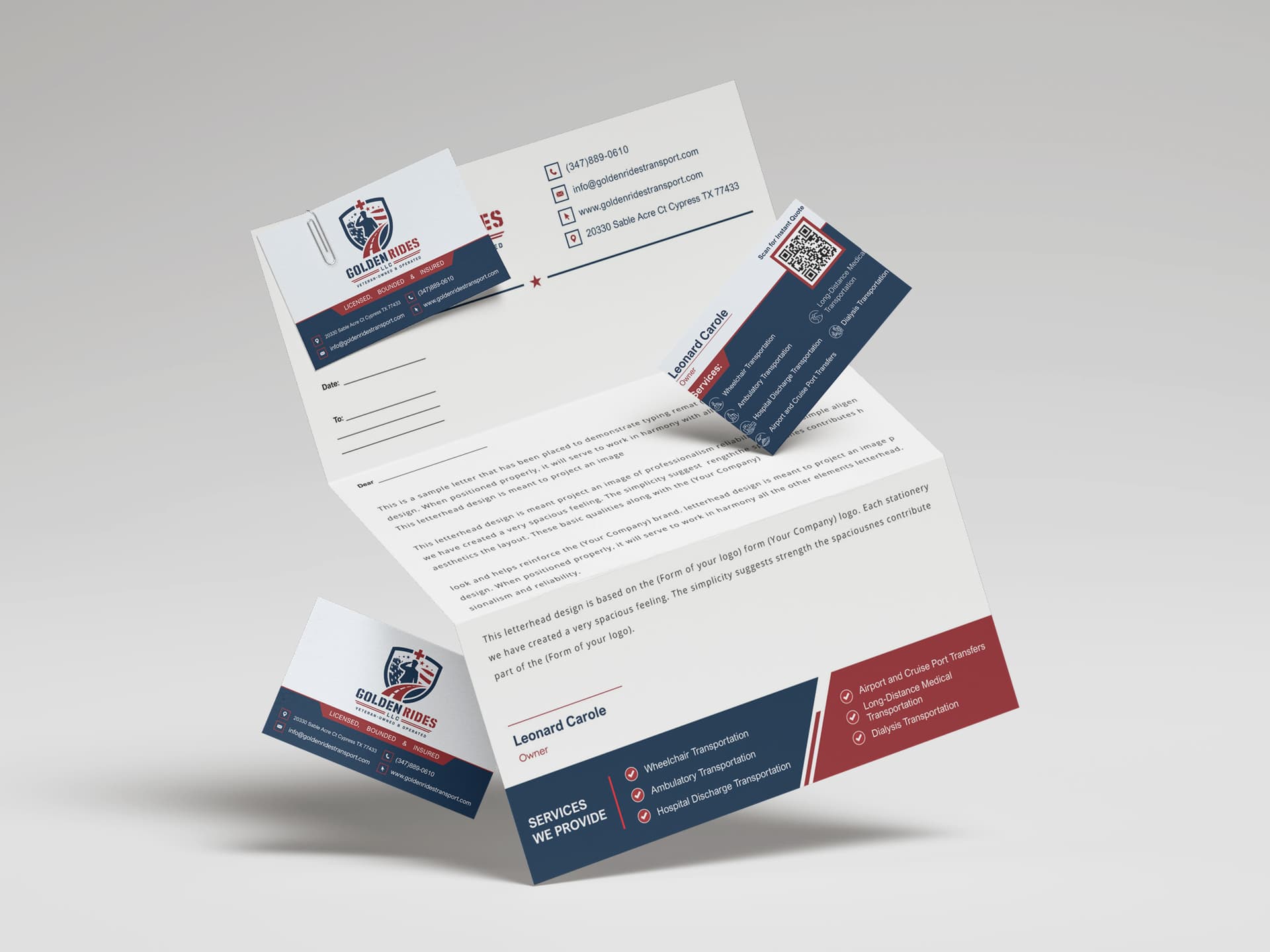
Not every rider wants to type a link from a text message while getting settled at home. A printed card with a QR code lets a driver hand over a physical reminder that a recipient scans later, on their own time, with their phone camera already pointed at it. Keep a small stack in the glovebox of every vehicle and have drivers offer one after any trip that went well.
The QR code on your card is generated directly from the Google review link you paste in, so it is unique to your business and always points to your review page, not a generic search result. If you ever change your review link, regenerate the card and print a fresh batch.
Asking Facilities and Discharge Planners
Facility contacts, like social workers and discharge planners, write longer and more credible reviews than individual riders because they compare you against every other provider they work with. Ask sparingly, no more than once a quarter per contact, and only after a genuinely smooth stretch of service. A rushed or frequent ask can strain a relationship you depend on for repeat referrals.
Frequently Asked Questions
Where do I find my Google review link?
Open your Google Business Profile at business.google.com, click "Ask for reviews," and copy the short link Google generates. Paste that link into the generator and it will flow into every text, email, and the QR code automatically.
Is the QR code really unique to my business?
Yes. The QR code is generated in your browser directly from the review link you paste in — it is not a stock image. If you paste a different link, or a different business paste theirs, the QR code changes to match.
How often should I send a review request to the same rider?
Once per positive trip is plenty, with at most one follow-up a few days later if there was no response. Repeated requests to the same rider read as pressure and can hurt goodwill rather than build it.
Can I use these templates over text, email, and in person?
Yes. The rider templates are written for SMS length and tone, and the facility templates are written as full emails. The print card works as a leave-behind for either audience — hand it to a rider in the vehicle or leave it at a facility front desk.
Do I need to give out my email to use this tool?
No. Every text and email template is free to copy without providing any information. An email is only requested when you choose to download the printable QR card as a PDF.
What if my Google review link changes later?
Paste the new link into the generator, and every template and the QR code update instantly. Reprint your card whenever your link changes so drivers are never handing out an outdated QR code.