Author

Published
April 17, 2026
Reading time
9 min read
Content
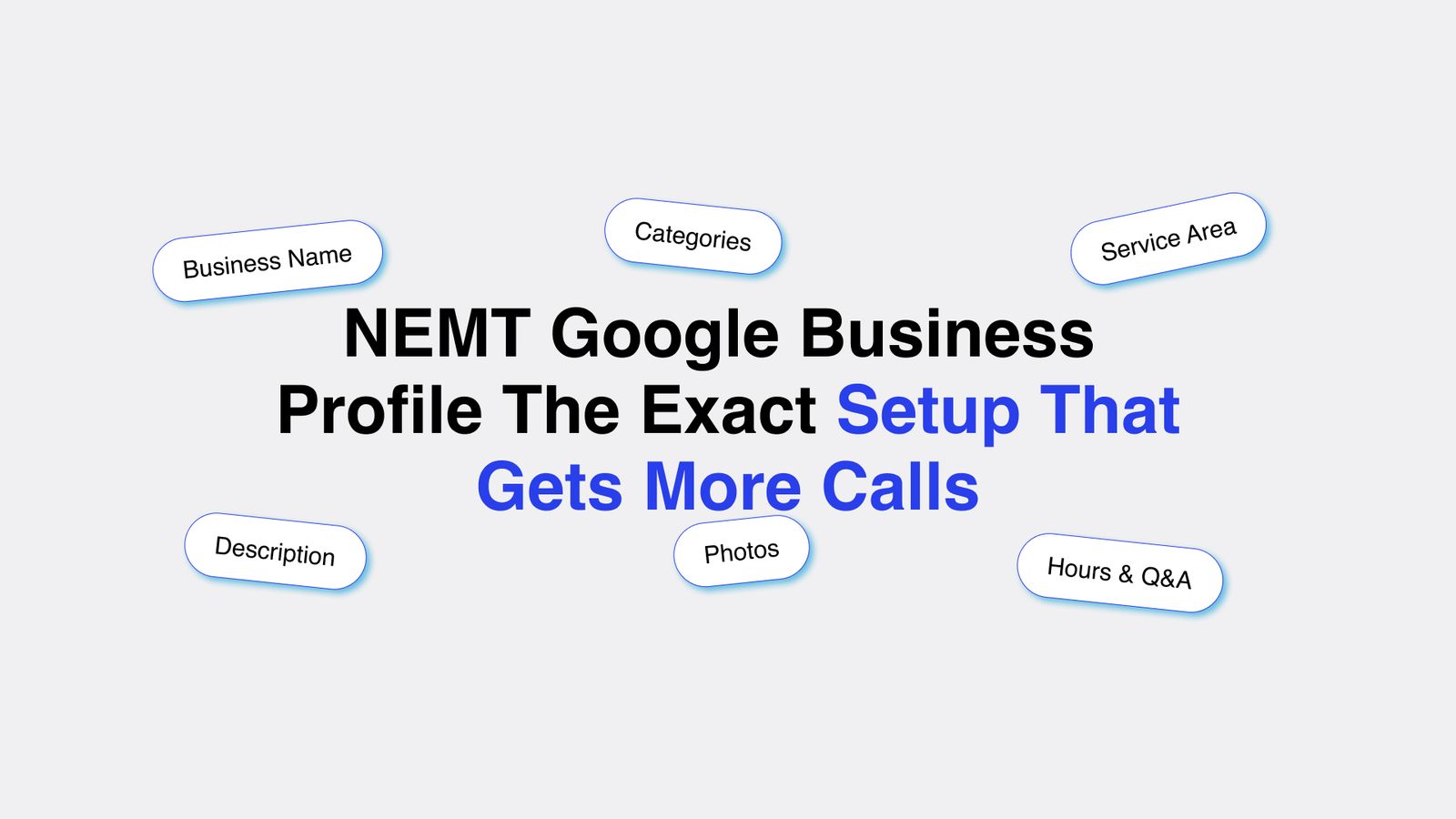
1. Business Name: Use Your Real Name Only
2. Categories: Get Your Primary Category Right
3. Service Area: Be Specific About Where You Operate
4. Business Description: Write It for Search and for Humans
5. Photos: Upload More Than You Think You Need
6. Services, Hours, and Q&A
How Medflow Digital Sets Up and Manages Your Google Business Profile
Blog post categories
Need a Digital Partner?
Access a dedicated team of NEMT designers and developers. We handle your tech, branding, and growth so you can focus on your mission.
See How It WorksNEMT Google Business Profile: The Exact Setup That Gets More Calls
Most NEMT operators have a Google Business Profile. Very few have one set up correctly.
The difference shows up in your call volume. A properly configured profile appears in the local map pack when patients, families, and facility coordinators search for medical transportation in your city. A poorly configured one sits on page two of Google Maps results where almost no one looks.
This post gives you the exact setup steps, field by field, so your profile works as hard as possible for your business.
This post covers:
- Business Name
- Categories
- Service Area
- Business Description
- Photos
- Services and Hours
- How Medflow Helps
1. Business Name: Use Your Real Name Only
Your business name field should contain your legal business name and nothing else. Do not add keywords, city names, or service descriptions to your business name.
"ATC Medical Transport Corp" is correct. "ATC Medical Transport Corp, Best NEMT Miami" is not.
Google has specific guidelines against keyword stuffing in business names. Profiles that violate this rule get flagged, suspended, or ranked lower. Google also receives edits from the public, and a competitor can report your listing if your name does not match your legal registration.
Your business name on your Google Business Profile must also match your business name on your website, your social media profiles, and every online directory where you appear. Consistency across all of these is a direct local ranking signal.
If your legal business name is long, use the common name your clients actually call you. Both are acceptable as long as they match your real-world usage.
2. Categories: Get Your Primary Category Right
Your primary category is the single most important field for determining which searches your profile appears in. Google uses it to match your business to relevant local queries.
For NEMT operators, the correct primary category in most cases is "Medical Transportation." This is the category that triggers your listing for searches like "NEMT provider near me," "medical transportation in [city]," and "non-emergency medical transport."
Set your primary category first before anything else. Then add secondary categories for each additional service type you offer.
Useful secondary categories for NEMT operators include:
- Transportation Service
- Wheelchair Accessible Van Rental Service
- Patient Transport Service
- Ambulance Service (only if you offer any emergency transport)
Do not add categories that do not apply to your business. Irrelevant categories confuse Google's matching algorithm and can push your profile into searches where you are not competitive.

Let Medflow Set Up Your Google Business Profile the Right Way
Most NEMT operators set up their profile once and never touch it again. Medflow Digital configures every field correctly, manages your reviews, and keeps your listing active so you show up when it matters.
Most NEMT operators either use a vague primary category like "Transportation Service" or skip secondary categories entirely. Fixing your primary category to "Medical Transportation" alone can produce a visible improvement in how often your profile appears for the right searches.
3. Service Area: Be Specific About Where You Operate
Your service area tells Google which cities and zip codes to associate your business with. A vague service area produces vague results. A specific service area produces specific rankings.
In your Google Business Profile dashboard, go to the service area section and add every city, county, or zip code you actively serve. Do not list entire states or regions. Google gives more ranking weight to specific locations than broad geographic areas.
If you serve 12 cities, add all 12. If you primarily serve three counties, add the county names and the major cities within them.
Keep your service area realistic. Adding cities where you rarely or never operate may seem like a way to get more exposure, but it backfires. Google tracks engagement signals like clicks, calls, and direction requests. If your profile appears in a city but generates no engagement from that city, Google interprets that as a low relevance signal and lowers your ranking there.
Your service area on your Google Business Profile should also match the service area pages on your website. If your profile claims to serve Fort Lauderdale but your website has no content about Fort Lauderdale, the signal mismatch weakens both.
4. Business Description: Write It for Search and for Humans
Your business description gives you 750 characters to tell Google and potential clients what you do, where you do it, and why they should call you. Most NEMT operators write a generic two-sentence description that wastes this space.
A strong NEMT business description does four things in order.
First, it names your service type and primary location in the opening sentence. "We provide non-emergency medical transportation across Miami-Dade and Broward Counties" tells Google and the reader exactly what you are and where you operate.
Second, it lists your main vehicle and service types. "Our fleet includes wheelchair accessible vans, ambulatory vehicles, and stretcher transport for hospital discharges, dialysis trips, and specialist appointments."
Third, it mentions one or two trust credentials. "All drivers are background-checked and CPR-certified. We are a licensed and insured Medicaid transportation provider."
Fourth, it ends with a call to action. "Call us to schedule a trip or to set up a referral account for your facility."
This approach covers the keywords Google is looking for, answers the questions a coordinator or patient has, and gives the reader a next step. Write your description in plain language. Do not stuff it with keywords. One natural mention of "non-emergency medical transportation" and your city name in the first sentence is enough.
5. Photos: Upload More Than You Think You Need
Google's own research shows that businesses with photos on their profile receive 42 percent more requests for directions and 35 percent more website clicks than businesses without photos. For a NEMT operator, photos also serve as proof that you are a legitimate, professional operation.
Upload a minimum of 15 photos when you set up your profile. Add more over time. Here is what to photograph:
Your vehicles, exterior and interior. Show the wheelchair ramp or lift if you have one. Show the interior configuration for wheelchair passengers. Show the cleanliness of the vehicle. These photos address the first question a patient's family has: is this vehicle safe and appropriate for my family member?
Your team. A photo of your drivers in uniform adds a human element to your profile and builds trust faster than text alone. Keep photos professional. Uniforms, clean vehicles, and a neutral background work best.
Your office or dispatch area if you have one. Even a clean, organized workspace signals professionalism.
Any certifications or awards displayed in your office. These are subtle trust signals that reinforce your credentials section.
Update your photos every three to six months. Google considers photo recency as an activity signal. A profile with photos added consistently over time ranks better than one with 15 photos uploaded on day one and nothing since.
6. Services, Hours, and Q&A
Three additional sections that most NEMT operators leave incomplete.
The services section lets you list each service you offer with a name, description, and optional price. Fill this out for every service type you provide. Use clear service names: "Wheelchair Transportation," "Hospital Discharge Transport," "Dialysis Trip Scheduling." Write a two-sentence description for each. This content feeds directly into how Google understands and categorizes your business.
Your business hours must be accurate. If you operate 24 hours, select that option. If your hours change on weekends or holidays, update them before those dates. Google flags businesses with inaccurate hours based on user reports. A flagged listing ranks lower and loses the trust of anyone who shows up during hours listed as open only to find no one available.
The Q&A section is a public feature where anyone can ask or answer questions about your business. Check it regularly. If no one has asked questions yet, add your own. Common questions for NEMT operators include: "Do you accept Medicaid?" "Do you provide wheelchair accessible vehicles?" "How far in advance do I need to schedule a trip?" Write clear, complete answers. These answers appear publicly on your profile and reduce friction for anyone deciding whether to call you.
How Medflow Digital Sets Up and Manages Your Google Business Profile
A properly configured Google Business Profile takes time to set up and ongoing attention to maintain. Most NEMT operators set up a basic profile once and never return to it. That is why most NEMT profiles underperform.
Medflow Digital handles the full setup and ongoing management of your Google Business Profile as part of the Business Starter plan. We work exclusively with NEMT providers, so every decision we make on your profile is based on what works specifically in this industry.
Here is exactly what we do.
We configure your primary and secondary categories correctly for NEMT. We write your business description with your service types, your service area, and your credentials structured for both Google's algorithm and the coordinators reading your profile.
We upload a complete photo set across your vehicles, team, and facility, and we add new photos on a regular schedule to maintain your activity signals.
We fill out your services section with accurate, keyword-informed descriptions for every service type you offer. We set your hours and update them for holidays and operational changes.
We monitor your Q&A section and respond to questions as they come in. We also monitor your profile for unauthorized edits. Google allows the public to suggest edits to any business listing, and those edits sometimes go live without the owner knowing. We catch and revert those changes before they affect your ranking or your credibility.
We manage your review response process, responding to every review within 48 hours and flagging any reviews that violate Google's policies for removal.
The Business Starter plan is $499 per month and includes Google Business Profile management alongside local SEO and ongoing content. The one-time website build is $799.
To see what is included in each plan, visit the Medflow Digital pricing page.
To learn more about our work with NEMT providers specifically, see our NEMT services page.
If you want us to audit your current profile and show you exactly what needs to change, book a demo and we will walk through it with you.
Related Blogposts
Continue reading more insights from our medical marketing experts.
NEMT Business Growth
For many non-emergency medical transportation companies, brokers are where the business starts. You get credentialed, add your vehicles and drivers to the network, receive trip assignments, complete the rides, submit the required documentation, and get paid according to the contract. That model can provide something every new NEMT operator needs: trip volume. But volume and profitability are not the same thing. As an NEMT company grows, relying heavily on broker-assigned trips can expose weaknesses that were less obvious when the business had one vehicle and needed every trip it could get.
NEMT Business Growth
Learn how to get more Google reviews for your NEMT business with a simple, repeatable process that works for patients, families, and facility coordinators.
NEMT Business Growth
See 7 things NEMT websites that get bookings do differently, from service area pages to schema markup, and how to apply each to your own site.
NEMT Business Growth
Ready to make a difference? Launching your NEMT business successfully is more than just a venture—it’s a commitment to improving lives. This step-by-step guide will equip you with essential insights and practical strategies to turn your vision into reality.
NEMT Business Growth
Most NEMT websites are losing bookings every single day without the owner knowing it. Slow load speed, no online booking, missing service area pages, zero reviews, and a homepage that says nothing specific are the 5 problems draining thousands in weekly revenue. This post breaks down exactly what each problem costs you and how to fix it.
NEMT Business Growth
Broker trips pay as little as $8 per ride. Private pay clients pay 2x to 4x more, and they are searching for NEMT services on Google right now. This guide covers how to build a website that ranks and converts, use local SEO, run Google Ads, and win direct facility contracts.
Marketing & Design Newsletter
Subscribe to our newsletter and get cutting-edge marketing strategies, design inspiration, and exclusive tips delivered straight to your inbox.