Author

Published
April 13, 2026
Reading time
9 min read
Content
1. A Hero Section That States What You Do and Where
2. Trust Signals Above the Fold or Just Below It
3. A Services Summary That Matches How Clients Search
4. A Service Area Section With Specific Locations
5. Social Proof With Real Numbers or Real Words
6. A Section Specifically for Facility and Broker Referrals
7. A Final CTA Section Before the Footer
How Medflow Digital Builds NEMT Homepages That Convert
Blog post categories
Need a Digital Partner?
Access a dedicated team of NEMT designers and developers. We handle your tech, branding, and growth so you can focus on your mission.
See How It WorksWhat to Put on Your NEMT Homepage to Convert Visitors Into Clients
Most NEMT homepages do not convert. They have a logo, a stock photo of a van, and a phone number buried somewhere in the footer. A coordinator lands on the page, cannot find what she needs in the first ten seconds, and moves on.
Your homepage has one job. It needs to tell the right visitor, in the shortest possible time, that you are the right provider for their patients. Everything on the page should serve that goal.
This post walks through exactly what belongs on a high-converting NEMT homepage, section by section.
This post covers:
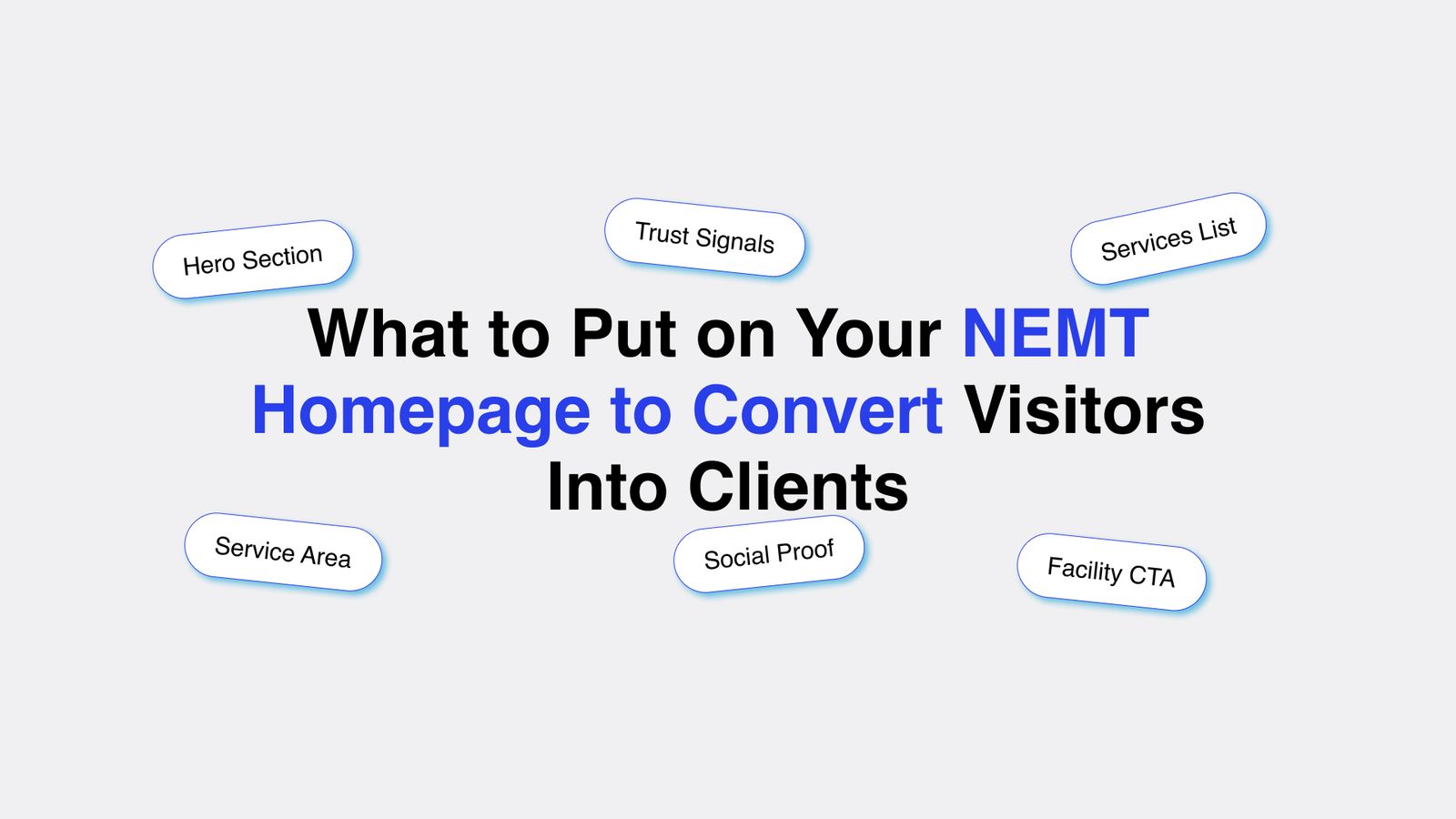
- Hero Section
- Trust Signals
- Services Summary
- Service Area
- Social Proof
- Facility Section
- Clear CTA
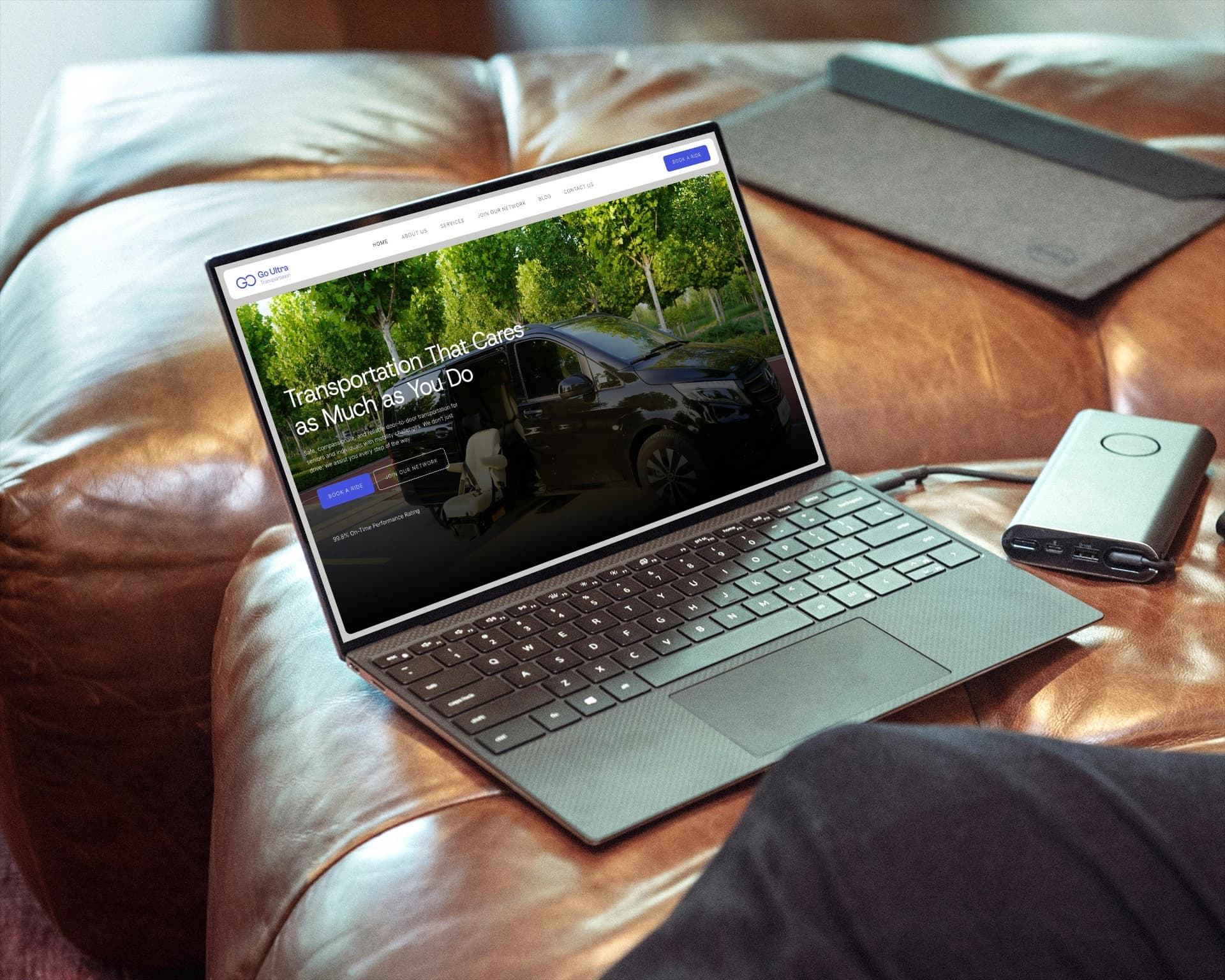
1. A Hero Section That States What You Do and Where
The hero section is the first thing a visitor sees before scrolling. You have roughly 5 seconds to hold their attention. If they cannot immediately understand what you do and whether you serve their area, they leave.
A strong NEMT hero section includes four elements.
A headline that names your service and location. "Non-Emergency Medical Transportation in Miami, FL" is clear. "Your Trusted Ride to Better Health" is not. Coordinators are not looking for inspiration. They are looking for a provider in their city.
A one-sentence subheadline that adds one important detail. "Serving dialysis, hospital discharge, and specialist appointment trips across Miami-Dade County" gives a coordinator exactly the context she needs to know she is in the right place.
A visible phone number. Put it in the top right corner of the header and repeat it in the hero section. Make it clickable on mobile. A coordinator searching from her phone should be able to call you with one tap.
A primary CTA button. "Request a Ride" or "Contact Us Today" works. Place it directly below your subheadline. Do not use "Learn More" as your primary CTA. It sends visitors deeper into your site when what you want is for them to contact you.
2. Trust Signals Above the Fold or Just Below It
After your hero section, a visitor's next question is whether they can trust you. For a broker or facility coordinator, trust means specific, verifiable information.
Put your key trust signals in a narrow bar or short section directly below the hero. Keep it visual and scannable. Four to six items maximum.
Strong trust signals for a NEMT homepage include:
- Years in operation ("Serving South Florida Since 2018")
- Number of completed trips if the number is meaningful ("Over 12,000 Trips Completed")
- Insurance coverage confirmation ("Fully Licensed and Insured")
- Vehicle types ("Wheelchair Accessible, Ambulatory, and Stretcher Vehicles")
- Driver credentials ("Background-Checked, CPR-Certified Drivers")
- Broker network participation ("Approved Medicaid Transportation Provider")
Each of these answers a specific question a coordinator has before she will refer a patient to you. The more of these you answer before she has to ask, the higher your conversion rate.
Do not use vague trust signals like "professional team" or "quality service." These say nothing. Every competitor claims the same thing. Specific numbers and credentials are what separate you.
3. A Services Summary That Matches How Clients Search
Your homepage does not need to explain every service in detail. That is what your individual service pages are for. But it does need to list your core services clearly, so a visitor can confirm in seconds that you handle their type of trip.
Keep this section tight. List six to eight service types with a short one-line description of each. Use icons or simple visuals to make the section scannable.
Common service types to include:
- Wheelchair transportation
- Ambulatory transportation
- Stretcher transportation
- Hospital discharge trips
- Dialysis center trips
- Specialist appointment transportation
- Long-distance medical transport
- Airport medical transport
Link each service to its dedicated service page. This helps visitors find detailed information quickly and helps Google understand your site structure.

Get a NEMT Homepage That Actually Converts
Medflow Digital writes and builds every section of your homepage, from the hero to the final CTA, so brokers, coordinators, and patients know exactly why to call you.
If you do not have individual service pages yet, add them. A homepage that lists services without linking anywhere puts all the burden on a visitor to call and ask for details. Many will not bother.
4. A Service Area Section With Specific Locations
A service area section on your homepage does two things. It tells visitors whether you cover their location, and it gives Google location signals that help your site rank in those areas.
Do not write "we serve the greater metro area." Write the specific cities, counties, or zip codes you cover. If you serve 12 cities, list all 12. Link each city name to its dedicated service area page if you have one.
A simple format that works:
"We provide NEMT services across Miami-Dade, Broward, and Palm Beach Counties, including Miami, Hialeah, Fort Lauderdale, Pompano Beach, Coral Springs, Boca Raton, West Palm Beach, and surrounding areas."
Then list the cities as linked text or a simple grid.
This section should sit in the middle of your homepage, after your services summary. Coordinators who are still reading at this point are actively evaluating whether you serve their location. Give them a clear answer.
5. Social Proof With Real Numbers or Real Words
Social proof on a NEMT homepage means reviews, ratings, and testimonials. It is one of the most overlooked sections on most NEMT sites, and one of the highest-impact additions you can make.
A coordinator deciding between two providers with similar credentials will choose the one with visible positive reviews. A patient's family searching for transportation will choose the provider with a 4.8 rating and 40 reviews over one with no reviews at all.
What to include in your social proof section:
Your Google rating and review count, pulled directly from your Google Business Profile. Display the star rating visually and include the number: "4.9 stars across 47 Google reviews."
Two or three short testimonials from actual clients. Keep each one to two to three sentences. Attribute each one by first name and role if the client allows it ("Maria R., Discharge Planner, Memorial Hospital").
If you have broker approval letters or partnership acknowledgments, reference them here. "Approved provider for Modivcare and MTM" is a trust signal that speaks directly to coordinators.
If you do not have reviews yet, start collecting them now. Send a follow-up message to every client asking for a Google review. Ten reviews at 4.8 stars will meaningfully improve your conversion rate on this page.
6. A Section Specifically for Facility and Broker Referrals
Most NEMT operators write their homepage for patients. But a large share of their business comes from facility coordinators, discharge planners, and brokers. These visitors have different questions and different needs.
A dedicated section on your homepage for referral sources communicates that you understand their world and have a process for working with them.
This section should include:
A short paragraph explaining your process for facility referrals. How do coordinators submit a trip request? What is your average response time? Do you offer recurring scheduling for regular trips like dialysis?
Your contact information for facility coordinators specifically. Some operators use a separate email address or a dedicated referral line. If you do, list it here.
A link to a dedicated broker or facility page if you have one. A page titled "For Healthcare Facilities" or "NEMT Broker Partners" with more detail gives coordinators a place to go for the specifics they need.
This section does not need to be long. Three to four sentences and a contact option is enough. The goal is to signal that you have a clear, professional process for referral relationships.
7. A Final CTA Section Before the Footer
The last section before your footer should contain a single, clear call to action. By this point, a visitor who has scrolled this far is interested. Make it easy for them to take the next step.
Keep this section simple. A headline, two sentences of supporting copy, and one button.
Strong final CTA examples:
"Ready to Set Up Transportation for Your Patients? Call us at [number] or fill out the form below and we will get back to you within one business day."
"Serving [City] and Surrounding Areas. Contact us today to discuss your transportation needs or schedule your first trip."
Include a short contact form here. Ask for name, phone number, email, and a brief description of the trip or service needed. Keep it to five fields or fewer. Every additional field reduces the chance someone completes it.
Do not add multiple CTAs at the bottom of the page. One action, clearly stated, converts better than three competing options.
How Medflow Digital Builds NEMT Homepages That Convert
Every element in this post is built into every NEMT homepage Medflow Digital delivers. We work exclusively with NEMT providers, which means we understand what brokers look for, what facility coordinators need to see, and what copy actually converts in this market.
Here is specifically what we do.
We write the hero section with your city, your service types, and a headline built around the keywords your clients are actually searching. We do not use generic medical transportation copy that could apply to any provider anywhere.
We build your trust signals into the design from the start. Insurance details, driver credentials, vehicle types, and compliance information are positioned where a coordinator expects to find them, not buried in a PDF or an About page no one reads.
We create your service area section with individual linked pages for each city you serve. Each page is written for local search, which means your homepage sends Google clear signals about where you operate and what you offer there.
We set up your social proof section and connect it to your Google Business Profile, so your rating and review count display accurately and update over time.
We build the facility referral section with a clear process description and the right contact options for coordinators working in fast-moving clinical environments.
The website build is $799, one-time. It includes design, development, all copy, schema markup, and technical SEO setup. Ongoing local SEO and Google Business Profile management starts at $499 per month with the Business Starter plan.
To see what each plan includes, visit the Medflow Digital pricing page.
To learn more about what we build for NEMT operators specifically, see our NEMT services page.
If you want to talk through your homepage and what it needs, book a demo and we will walk through it together.
Related Blogposts
Continue reading more insights from our medical marketing experts.
NEMT Business Strategy
Medicaid brokers control your rates and your risk. Here's how NEMT owners are building a private pay revenue stream in 2026 to protect margins.
NEMT Business Strategy
Diesel is up nearly a dollar a gallon year over year, and most NEMT contracts have no fuel clause. Here's the exact math and language to build one that gets approved.
NEMT Business Strategy
NEMT commercial auto insurance costs $5,500 to $16,000+ per vehicle in 2026. See exact rates by vehicle type, broker coverage minimums, and how to cut your premium.
NEMT Business Strategy
A 2026 industry survey found most NEMT providers call their reimbursement rates barely sustainable. Here's what's driving the squeeze, from insurance and fuel to EVV compliance, and how to protect your margin.
NEMT Business Strategy
How to get NEMT contracts from Medicaid brokers, healthcare facilities, and private-pay clients. Step-by-step guide with credentialing, outreach, and follow-up strategies.
NEMT Business Strategy
Your NEMT website is the first thing clients and facility staff check before they call you. A weak site loses bookings every day. This post covers the exact pages, forms, and features your site needs to rank on Google, build trust with visitors, and turn that traffic into booked trips.
Marketing & Design Newsletter
Subscribe to our newsletter and get cutting-edge marketing strategies, design inspiration, and exclusive tips delivered straight to your inbox.