Author

Published
March 9, 2026
Reading time
11 min read
Content
1. A Clear Headline That States Exactly What You Do
What a strong NEMT headline looks like
2. A Trip Request Form Built for Your Dispatcher
3. Service Area Pages for Every City You Cover
What each service area page needs
4. A Fleet Section With Photos and Vehicle Descriptions
Vehicle types to list
5. Google Reviews Displayed on Your Homepage
6. Mobile Speed and Performance
Common issues that slow NEMT websites down
7. Your NEMT Logo and Professional Branding
8. A Visible Phone Number on Every Page
9. An About Page That Builds Credibility
What to Check on Your Site Today
Blog post categories
Need a Digital Partner?
Access a dedicated team of NEMT designers and developers. We handle your tech, branding, and growth so you can focus on your mission.
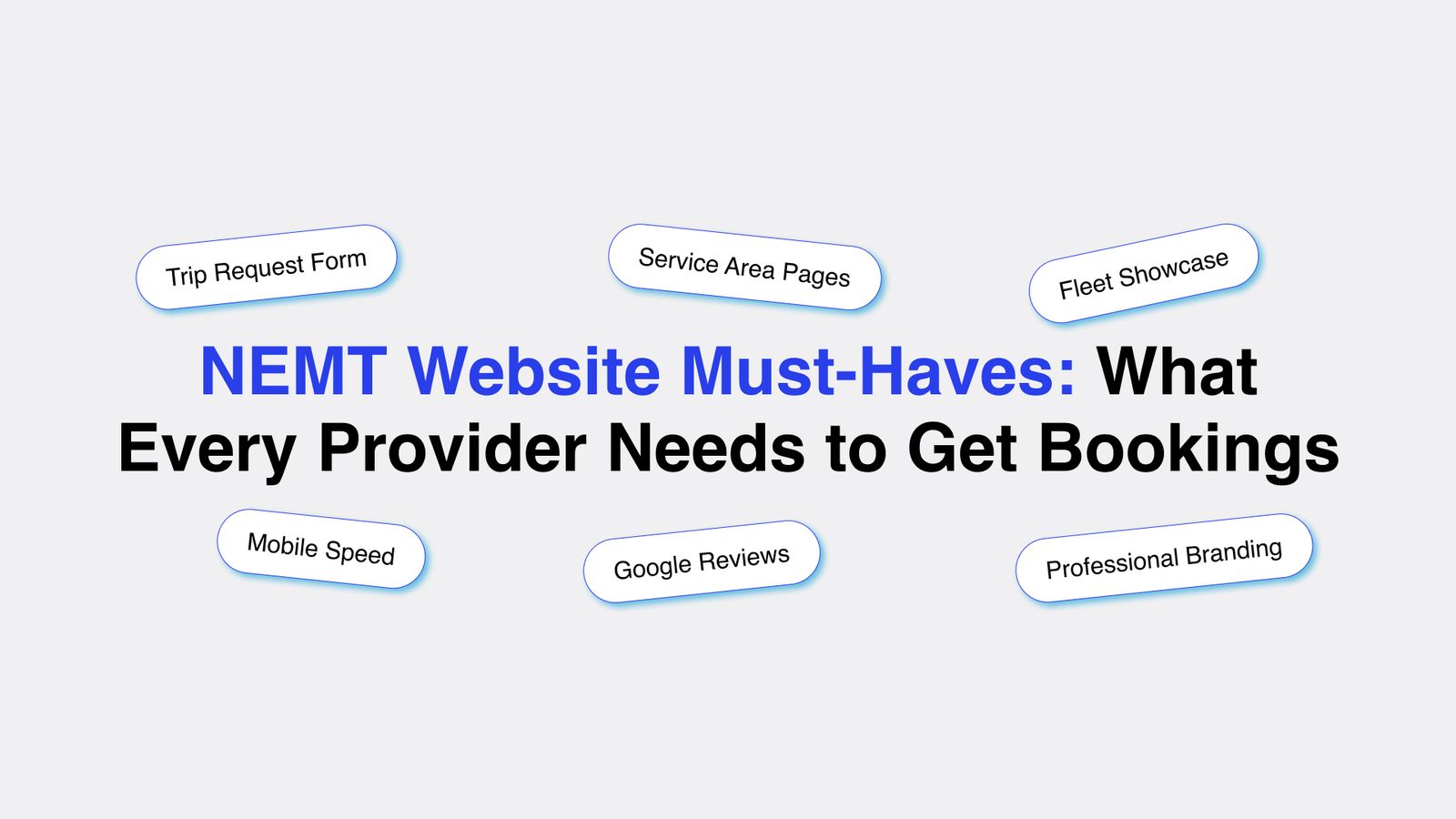
See How It WorksNEMT Website Must-Haves: What Every Provider Needs to Get Bookings
Most NEMT providers have a website. Very few have one that actually brings in clients.
The difference between a site that generates calls and one that sits idle comes down to specific details. The wrong homepage headline, a missing booking form, or a slow mobile experience can cost you 10 to 20 leads per month without you ever knowing it.
This guide covers every element your NEMT website needs to rank on Google, earn trust from visitors, and turn that traffic into booked trips. Whether you work with a NEMT solution provider or manage bookings in-house, these are the features that separate websites that produce revenue from ones that do not.
Research shows that 75% of users judge a company's credibility based on its website design. For NEMT providers, that judgment happens in under 10 seconds. A case manager who does not trust your site will not call you.
1. A Clear Headline That States Exactly What You Do
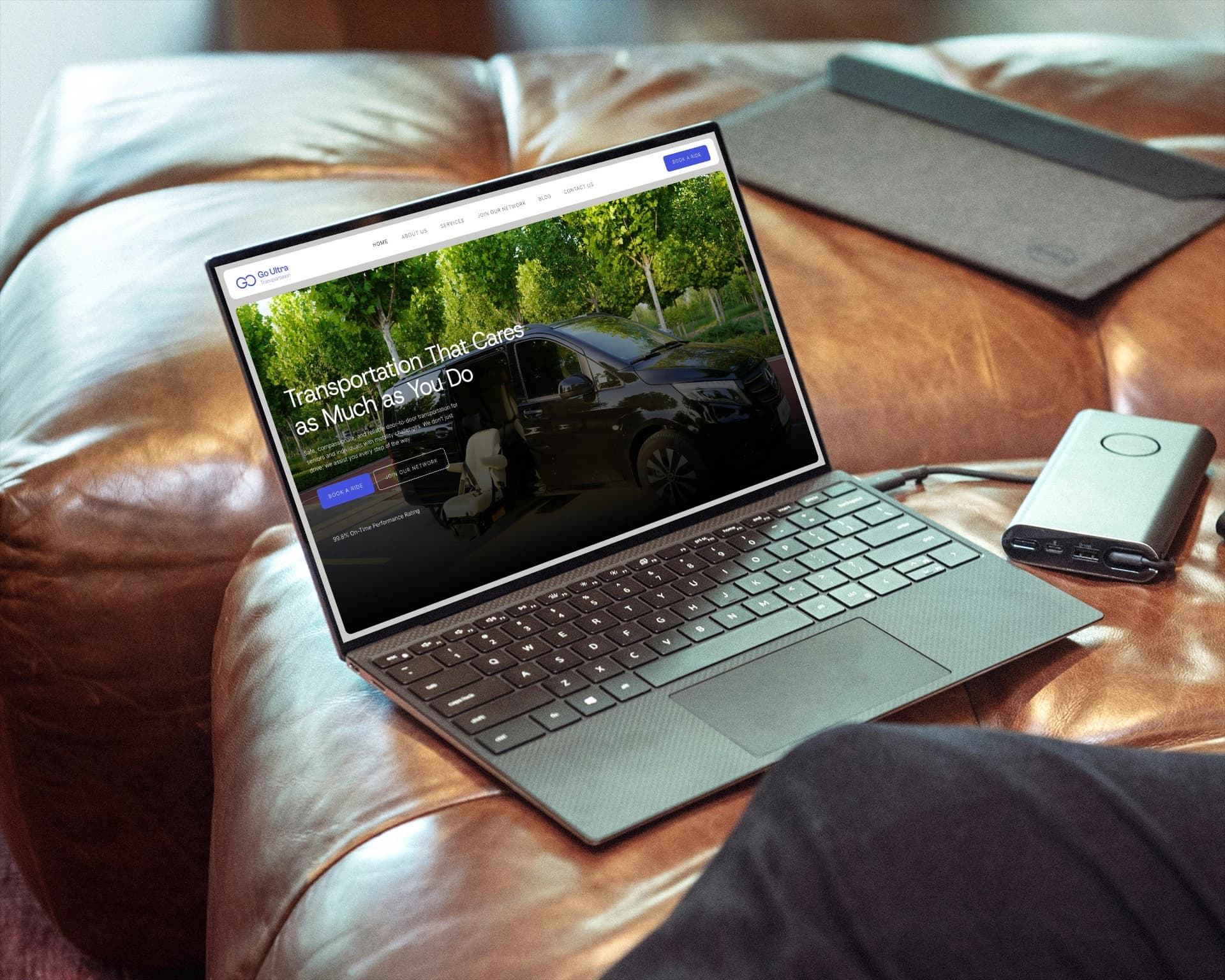
Your homepage headline is the first thing every visitor reads. It needs to answer two questions immediately: what service do you offer, and where do you offer it.
Vague headlines like 'Committed to Your Care' or 'Your Trusted Transport Partner' tell visitors nothing specific. They do not help you rank on Google either. Google indexes words, and generic phrases do not match what people actually search for.
What a strong NEMT headline looks like
- 'Wheelchair and Stretcher Transport in Dallas, TX'
- 'Non Emergency Medical Transportation Serving Houston and Surrounding Areas'
- 'Same-Day Dialysis and Discharge Rides in Phoenix, AZ'
Put your city name and primary service type in your headline. If you serve multiple cities, choose the one that generates the most demand. You can address other cities on separate service area pages, which are covered later in this guide.
Your headline also sets the tone for how facility staff and families perceive your operation. Specific, professional language signals that you know what you are doing. Vague language raises questions.
Providers who updated their homepage headline to include a specific city and service type saw a measurable increase in time-on-page and a drop in bounce rate within 30 days, based on site analytics from MedFlow Digital clients.
2. A Trip Request Form Built for Your Dispatcher
A contact form that only asks for a name, phone number, and message does not work for NEMT. Your dispatcher needs specific information before they can confirm or quote a trip. If your form does not collect that information upfront, your team spends time on back-and-forth calls that slow everything down.
Your trip request form should collect the following fields:
- Patient full name
- Pickup address and destination
- Appointment date and time
- Return trip needed: yes or no
- Mobility equipment required: ambulatory, wheelchair, bariatric wheelchair, or stretcher
- Special requirements: oxygen, attendant, stairs at pickup, etc.
- Contact phone number and preferred call time
When a family or facility submits this form, your dispatcher has everything needed to confirm the trip in one call or less. That speed matters. NEMT clients often contact multiple providers at the same time. The first one to respond with a confirmation usually gets the booking.
Your form should connect directly to your NEMT dispatch software so submissions land in your system automatically. Manual copy-paste from email to dispatch creates errors and delays. Our NEMT web development services build this integration as a standard part of every site we deliver.
3. Service Area Pages for Every City You Cover
One of the biggest missed opportunities in NEMT web development is treating the entire service area as a single page. If you serve 8 cities, you need 8 separate pages, one for each location.
Here is why this matters. When someone in Plano, Texas searches 'wheelchair transport Plano,' Google looks for pages that specifically mention Plano in the content, the headline, and the URL. A generic 'Service Areas' page that lists 10 cities in a paragraph does not rank for any of them. A dedicated Plano page does.
What each service area page needs
- A headline that includes the city name and service type
- Two to three paragraphs of unique content describing your services in that specific area
- The page URL should include the city name, for example: yoursite.com/nemt-services-plano-tx
- A trip request form or a prominent call button
- Your phone number visible at the top of the page
Do not copy and paste the same content across pages and just swap the city name. Google detects duplicate content and penalizes it. Write each page with genuine local detail. Mention nearby hospitals, dialysis centers, or landmarks you serve in that area.
Providers with 6 or more service area pages consistently outrank competitors who use a single page for their entire coverage zone. Each page is an additional entry point into Google search results.
A provider we worked with added individual service area pages for 7 cities. Within 4 months, 5 of those pages ranked on the first page of Google for local NEMT searches. Total inbound calls increased by 40% compared to the previous quarter.
4. A Fleet Section With Photos and Vehicle Descriptions
Families and facility staff want to know exactly what kind of vehicle will show up. A fleet section answers that question and builds confidence before anyone picks up the phone.
List every vehicle type you operate. For each one, include a real photo of the vehicle and a short description of what it is suitable for. Generic stock photos of ambulances or generic vans do not build trust. Photos of your actual fleet do.
Vehicle types to list
- Standard sedan or minivan: For ambulatory patients who do not need mobility equipment
- Wheelchair-accessible van: For patients using a standard or power wheelchair
- Bariatric van: For patients requiring wider ramps and higher weight capacity
- Stretcher transport vehicle: For non-emergency patients who must remain lying flat
Include the capacity of each vehicle, whether it is air-conditioned, and whether it meets state certification requirements. If your drivers are CPR-certified or trained in passenger assistance, say so on this page. These details matter to discharge planners who are evaluating whether to trust you with their patients.
A fleet section also helps with SEO. Pages that include terms like 'bariatric NEMT vehicle' or 'stretcher transport van' rank for searches that most competitors are not targeting at all.
5. Google Reviews Displayed on Your Homepage
Reviews are one of the first things a potential client looks for. Putting them directly on your homepage means visitors do not have to go searching for them. It also means you control what they see first.
Embed your Google reviews widget on the homepage, below the fold but above the footer. Show your overall star rating and at least 4 to 6 individual reviews. Prioritize reviews that mention specific services, like dialysis transport or wheelchair rides, because those match what searchers are looking for.
A 4.8-star average with 35 reviews beats a 5.0-star average with 4 reviews. Volume signals that your business has real activity and real clients. Aim to collect at least 5 new reviews per month. Ask after every completed trip. A short text message with a direct link to your Google review page takes 30 seconds to send and pays off for months.
See how providers on our client results page use reviews as part of their broader strategy for winning private pay clients and facility contracts.
Image Alt Text #3: "NEMT company homepage showing a 4.8 star Google review widget with five customer reviews about wheelchair and dialysis transport"
6. Mobile Speed and Performance
More than 60% of web searches happen on mobile devices. Families searching for a ride for their parent are usually on their phone. Facility staff submitting a trip request are often on a tablet or phone between patient rounds.
If your site takes more than 3 seconds to load on mobile, most visitors leave before seeing your content. Google also uses mobile page speed as a ranking factor, so a slow site hurts your visibility in search results and your ability to convert visitors who do find you.
Your mobile speed score should be 90 or above. Test yours right now at Google PageSpeed Insights, which is free. A score below 70 means you are losing leads every day to faster competitors.
Common issues that slow NEMT websites down
- Images that are not compressed. A single uncompressed photo can add 2 to 3 seconds to your load time.
- Cheap shared hosting. Budget hosting plans often throttle server response time.
- Too many third-party scripts running on page load, such as chat widgets, analytics tools, and social media embeds all loading at once.
- No browser caching set up, which forces every visitor to download the same files repeatedly.
Fixing these issues does not require rebuilding your entire site. In most cases, compressing images and switching to better hosting alone can take a site from a 55 score to an 85 score within a few days.
7. Your NEMT Logo and Professional Branding
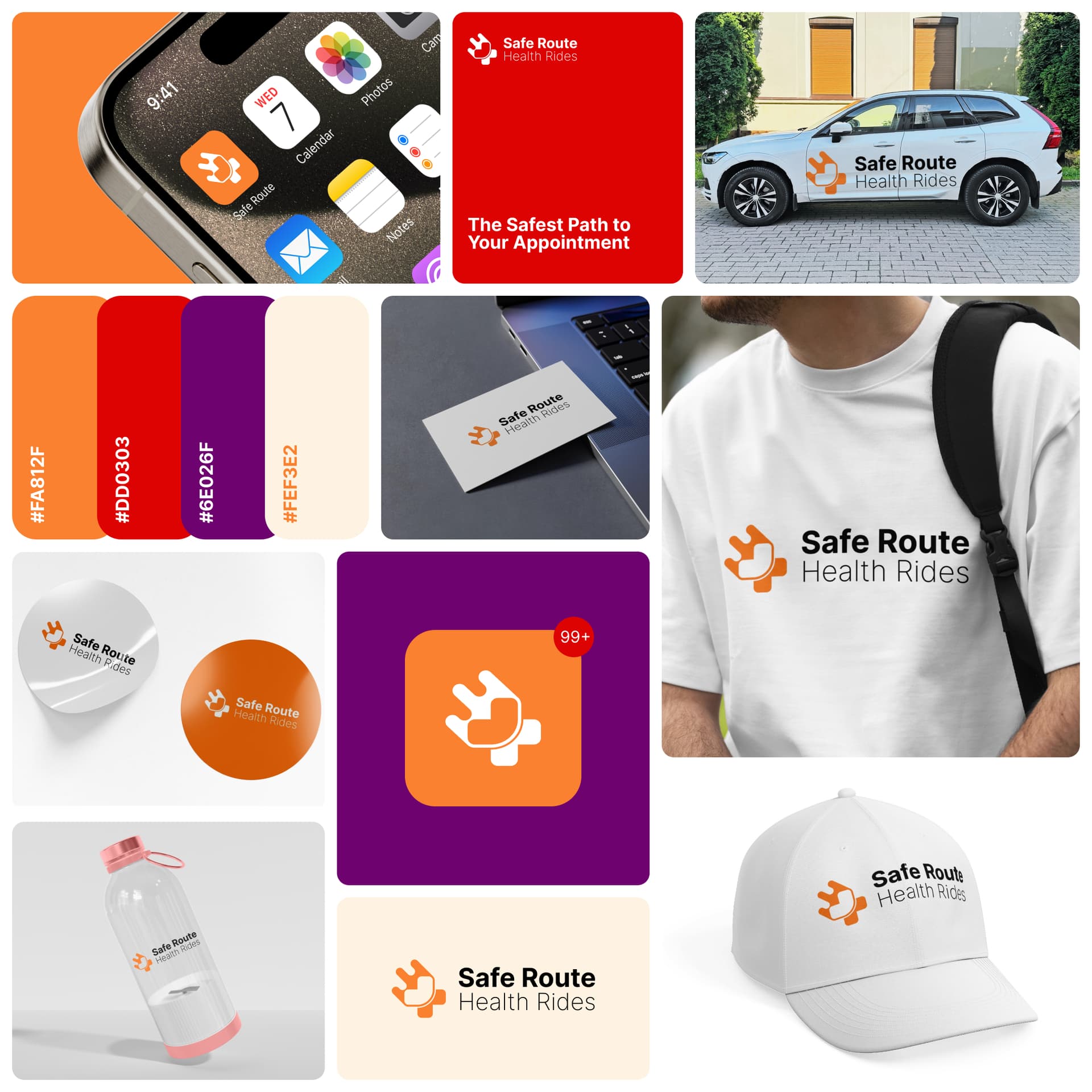
Your NEMT logo appears on your website, your vehicles, your business cards, and any materials you give to facilities. It is the visual signal that tells people whether you are a serious operation or a side project.
A professional logo does not need to be complicated. It needs to be clean, readable at small sizes, and appropriate for a healthcare-adjacent business. Avoid clip art, overly bright colors, or fonts that are hard to read. A case manager who receives your business card will form an opinion about your company based on how it looks.
Logo designing for NEMT businesses is part of what we handle at MedFlow Digital. Every site we build includes professional branding so your online presence and printed materials match. Learn more about our full NEMT marketing services.
8. A Visible Phone Number on Every Page
This sounds basic, but many NEMT websites bury the phone number in the footer or on a contact page. That is a mistake.
Put your phone number in the top right corner of every page. Make it a clickable link on mobile so visitors can call you with one tap. Repeat it again near your trip request form and in the footer. The easier you make it to call, the more calls you get.
If you use NEMT dispatch software that tracks inbound calls, set up a unique tracking number for your website. This tells you exactly how many calls your site generates each month, which keywords drove those calls, and which pages converted the most visitors into callers.
9. An About Page That Builds Credibility
Facilities and private pay clients want to know who they are trusting with their patients and family members. An About page that tells your story, lists your certifications, and shows your team makes you more credible than a competitor with no About page at all.
Include the following on your About page:
- How long you have been operating
- What states or counties you are licensed in
- Your driver certification standards: background checks, CPR training, passenger assistance training
- Any accreditations or broker approvals you hold, such as Modivcare, MTM, or LogistiCare
- A photo of your team or your fleet if possible
Keep the writing direct. A facility administrator reading your About page is asking one question: can I trust this company with my patients? Answer that question with specific facts, not general statements about your commitment to service.
What to Check on Your Site Today
- Read your homepage headline out loud. Does it state your city and service type clearly?
- Submit a test trip request using your own form. Count how many steps it takes and what information it collects.
- Count how many city-specific pages your site has. If the answer is zero or one, add service area pages.
- Open your site on your phone and time how long it takes to load. Anything over 3 seconds needs attention.
- Search your business name on Google and check your review count and rating. If you have fewer than 15 reviews, start collecting them actively this week.
- Check that your phone number is visible at the top of your homepage without scrolling.

Does Your NEMT Website Check Every Box?
MedFlow Digital builds NEMT websites that rank on Google, load fast on mobile, and convert visitors into booked trips. Every site includes professional branding, service area pages, a dispatch-ready booking form, and full SEO setup. Book a free call and we will review your current site and tell you exactly what needs to change.
About MedFlow Digital
MedFlow Digital is a marketing agency built specifically for NEMT providers. We handle web development, local SEO, Google Ads, NEMT logo design, and reputation management. View our NEMT services or see our client results.
Related Blogposts
Continue reading more insights from our medical marketing experts.
NEMT Business Strategy
Diesel is up nearly a dollar a gallon year over year, and most NEMT contracts have no fuel clause. Here's the exact math and language to build one that gets approved.
NEMT Business Strategy
NEMT commercial auto insurance costs $5,500 to $16,000+ per vehicle in 2026. See exact rates by vehicle type, broker coverage minimums, and how to cut your premium.
NEMT Business Strategy
A 2026 industry survey found most NEMT providers call their reimbursement rates barely sustainable. Here's what's driving the squeeze, from insurance and fuel to EVV compliance, and how to protect your margin.
NEMT Business Strategy
How to get NEMT contracts from Medicaid brokers, healthcare facilities, and private-pay clients. Step-by-step guide with credentialing, outreach, and follow-up strategies.
NEMT Business Strategy
Learn exactly what to put on your NEMT homepage to convert brokers, facility coordinators, and patients into clients, section by section.
NEMT Business Strategy
Ready to launch a profitable NEMT business in 2026? This comprehensive guide breaks down everything from licensing and insurance to choosing the right NEMT software. Discover how to balance high-margin private pay clients with broker contracts, and learn how MedFlow Digital can build the professional website and SEO strategy you need to dominate your local market. Start your medical transport journey with a tech-forward roadmap designed for success.
Marketing & Design Newsletter
Subscribe to our newsletter and get cutting-edge marketing strategies, design inspiration, and exclusive tips delivered straight to your inbox.